No. 002
September 2, 2026
What a skill is, and how to use one
Skills are the least technical thing in AI with the most technical-sounding name. A plain account of what they are, how to install one, and when a practice should bother.
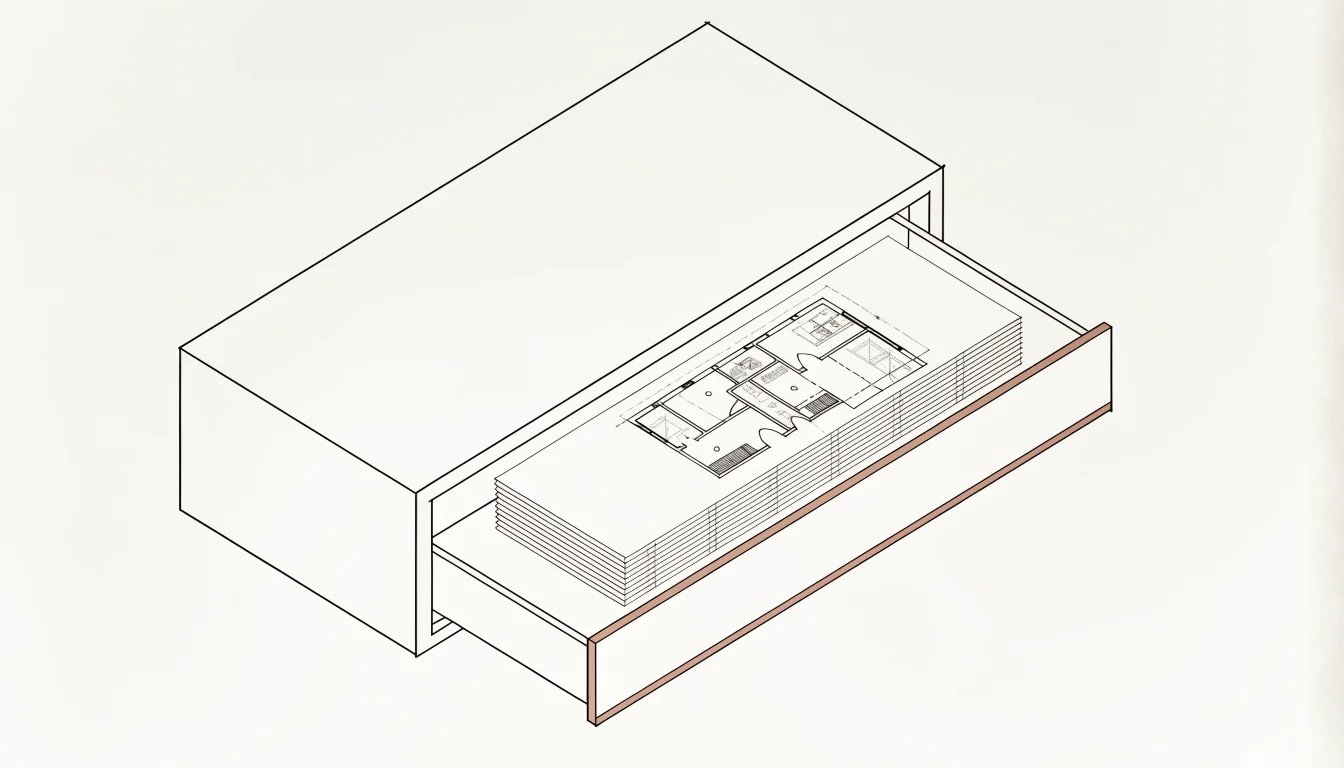
Fig. 01 — Recraft v4.1 · fig. 00 · one sheet drawn, the rest dashed · Editorial
Every office has someone who explains the same thing every few weeks. How the drawing numbers are built. What goes in section three of the design and access statement. Which consultant gets copied, and at which stage. The explanation is roughly the same every time and has never been written down, because writing it down was never anybody's job.
An AI assistant needs that explanation too, and it needs it every time. It begins each conversation knowing nothing about your practice, and whatever you told it last Tuesday is gone. A skill is that explanation, written once into a file, so the assistant reads it instead of asking.
What one actually is
A skill is a folder. Inside sits a text file called SKILL.md, written in ordinary Markdown: headings, bullets, plain sentences. At the top of that file are two lines of metadata — a name, and a description stating what the skill does and when it should be used.
Everything else is optional. A skill can be one file of instructions and nothing more, and many good ones are. It can also carry reference documents the assistant opens only when it needs them, templates, and small scripts it runs rather than reads.
No model is trained, and nothing here is proprietary. Anthropic published the format as an open standard in December 2025, and it has since been adopted across a long list of competing agent products, so a skill written this month is not a bet on one vendor's roadmap.
If you can write a clear office memo, you can write a skill. Whether it works is a question about the memo.
The most legible thing in the building
Almost nothing else in this field can be read. A model's weights are a few billion numbers, and nobody can open them and find the clause that made the render look like that. Most AI in a practice arrives as folklore instead: the prompt that worked, kept in someone's notes, passed around, never quite the same twice.
A skill is a text file. A principal can read one in four minutes. It can be reviewed before it is used, versioned when it changes, and attributed to whoever wrote it. When the output is wrong, you can open the file and see whether the instruction was wrong or the assistant ignored it.
That property is why skills matter here more than several things getting more coverage. They move procedural knowledge out of individual heads and chat histories and into a document the practice can be responsible for — which is also, and this is not a small point, a document the practice is now responsible for.
Getting one into the assistant
There are three routes, and they do not talk to each other.
In the Claude apps, custom skills are uploaded as a zip file under Settings, on the Pro, Max, Team and Enterprise plans with code execution enabled. They are individual to whoever uploaded them. There is no central admin distribution, so if six people need the same skill, six people upload it — worth knowing before you call one an office standard.
In Claude Code, a skill is simply a folder on disk: ~/.claude/skills for personal ones, .claude/skills inside a project for ones that travel with the job. That route needs a terminal, which for most practices is the real barrier rather than anything about skills themselves.
Through the API, a skill is uploaded once and available to everyone in the workspace. It is the only route with proper sharing built in. Skills uploaded in one place do not appear in the others; each surface is loaded separately.
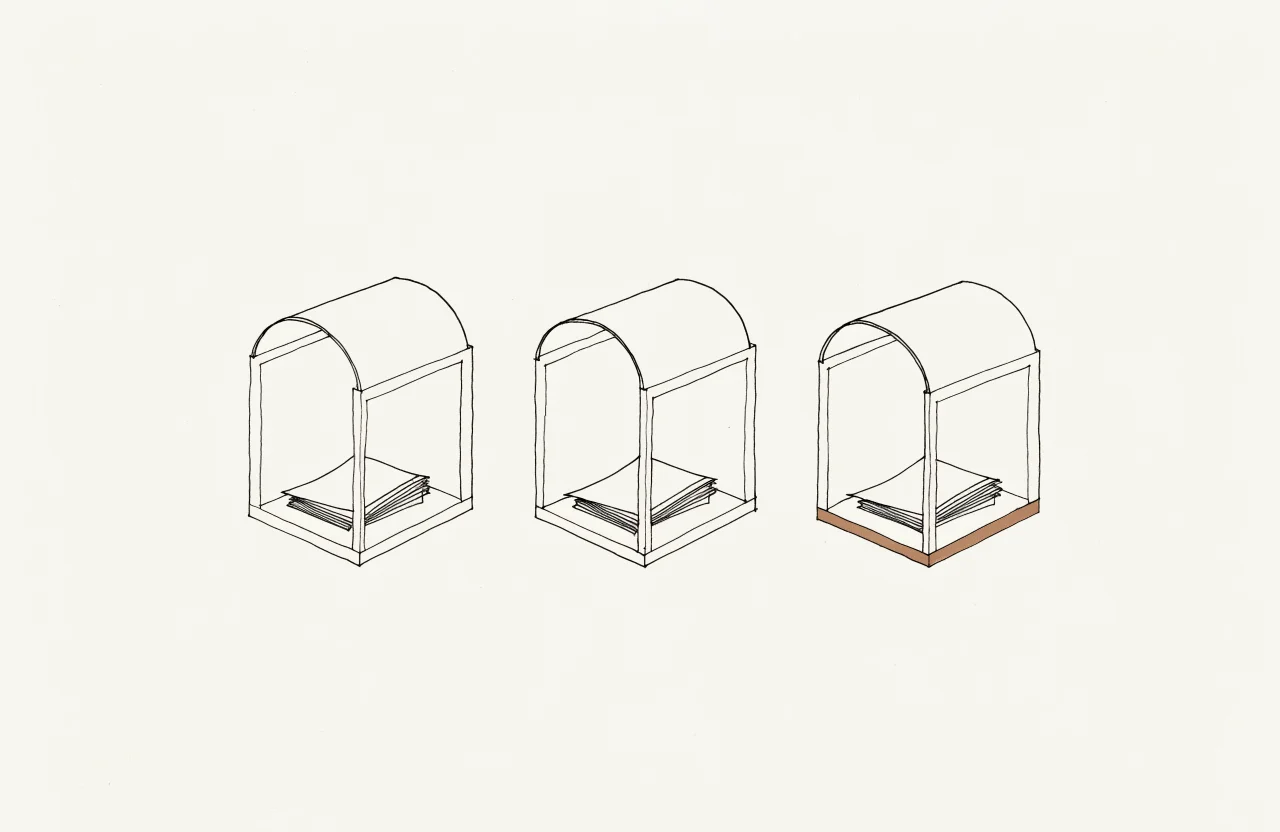
FIG. 01 — Three routes, no corridors. A skill loaded in one place does not appear in the others.
How it decides to use one
An assistant's context window is everything it can hold in view at once — the conversation, your documents, its instructions — and it is finite. Everything in it competes.
So skills load in stages. Only the name and description of each installed skill sit in view at all times, at a cost of roughly a hundred tokens each on Anthropic's figures. When a request matches a description, the assistant reads the body of the file, and not before. Bundled reference documents stay unread on disk until something points at them. Anthropic calls the arrangement progressive disclosure. Two consequences follow: you can install a great many skills without slowing anything down, and the description is doing almost all of the work.
The closest thing in an office is the folder you would assemble for a competent freelancer starting Monday. Everything they could not be expected to know, arranged so they read only the page the day requires. The comparison fails at one point, and the failure is the part worth keeping: the freelancer reads it once and remembers for a year, while the assistant re-reads it every session and retains nothing afterwards. The file is the memory, which is why it has to be written, permanently, for someone with no history in the building.
What it will not do
A skill is guidance, not a constraint. An assistant can misjudge when to use one, and more often simply fails to reach for it because the description did not sound like the thing you asked for. Vague descriptions get ignored. This is the most common way a skill fails, and it is a writing problem rather than a technical one.
It also does not make the output correct. A skill standardises how something is done. It has no opinion about whether the consultant's figure you fed it was right, and the checking stays exactly where it was.
Then there is provenance. A skill written by someone else is software you are installing, and Anthropic's own guidance is blunt about it: use skills only from sources you trust or wrote yourself, because a skill can direct an assistant to run code, read files, or pull in material from outside. Read every file in the folder before it goes near live work. The entries in our Skills index carry their author, licence and repository for that reason.
Where to start
Install one and watch it work before you write anything. The Skills index is small and checked, and an hour with someone else's is the cheapest way to see what the format does and does not carry.
Then take something you have explained to a colleague twice in the past month, and notice how much of that explanation is already fixed. That is the raw material. The next article turns it into a file.
Discussion
PUBLICATION
ArchitectureLM
SUBJECT
AI in architecture
NEWSLETTER
Weekly, free
CONTACT
hello@architecturelm.com
© 2026 ArchitectureLM. All rights reserved.